


Instructions for using the multi-sport LED board
INSTRUCTIONS FOR USING THE MULTI-SPORTS COMPETITION LED PANEL
What is the multi-sport LED board?
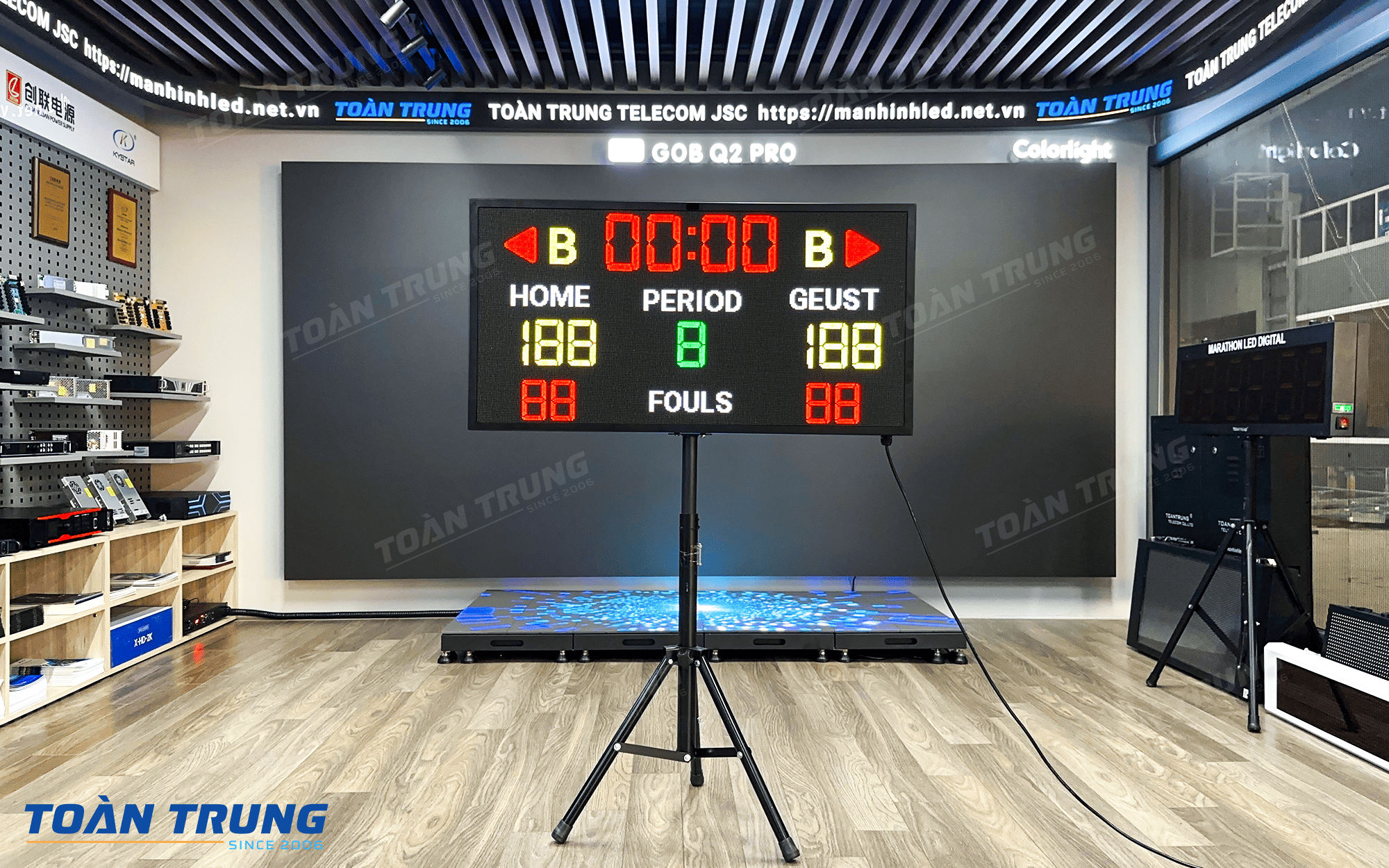
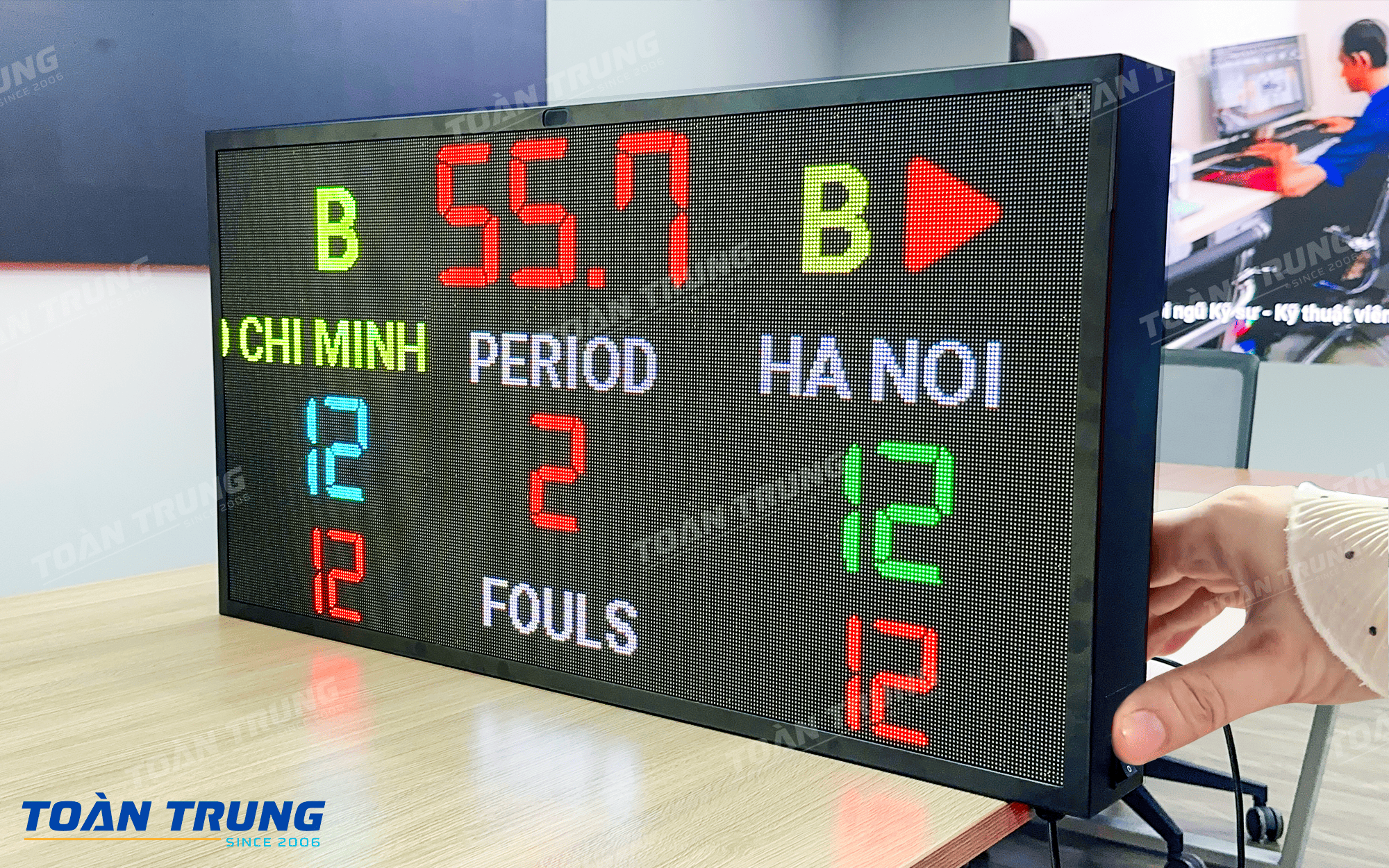
Multi-sport LED board is a modern display solution, designed to be used for many different sports such as football, basketball, volleyball… The display interface can be flexibly customized for each subject, helping the scoreboard always be intuitive, easy to follow and meet competition standards
>>> Reference:Outstanding sports competition LED board solutions in Toan Trung
How to use multi-sport LED board
Step 1: Turn on the LED panel and connect to the tablet
Step 2: Open the control application on the Tablet or phone, enter account and password then press log in
Note: Each customer will be given a separate account to ensure security.
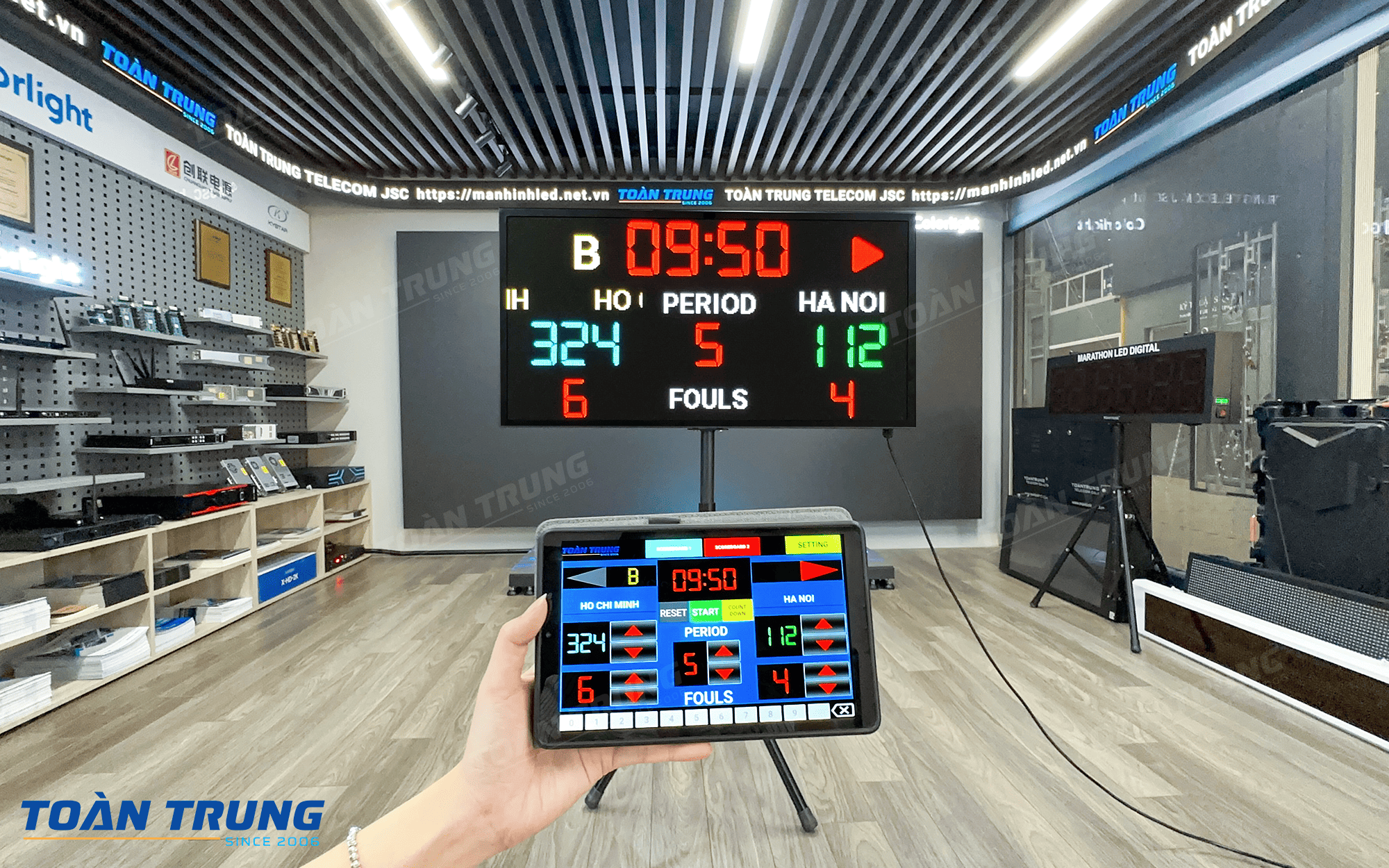
Step 3:After successful connection, the control interface will display like this
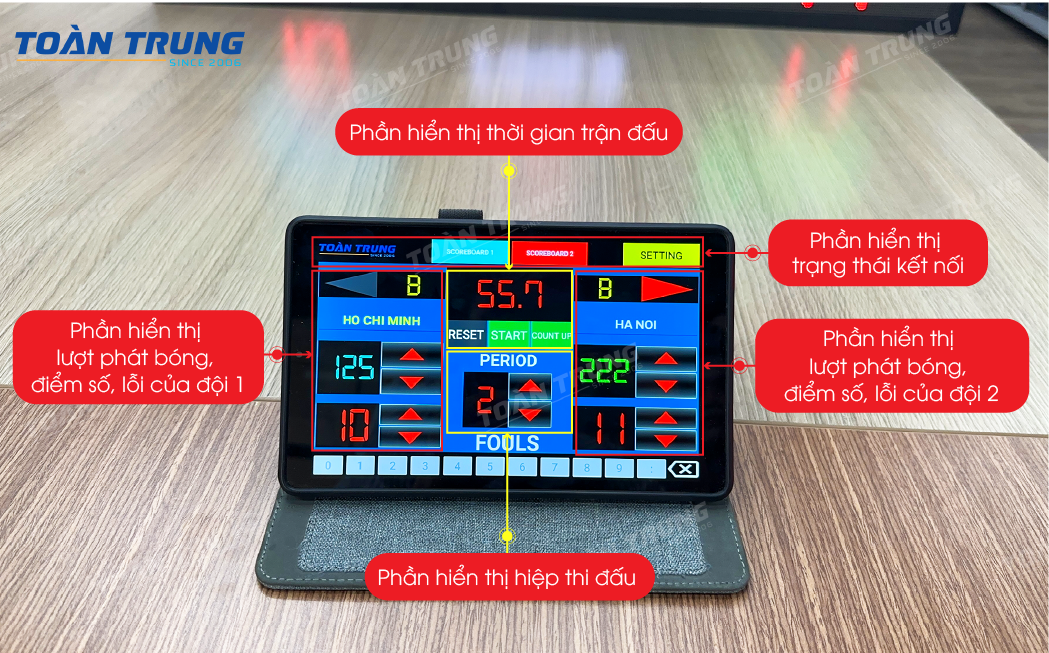
Step 4:Control the sports LED board as follows:
For the connection status display:

Click to select Scoreboard 1 to connect.Status changes from red to green indicating successful connection
For Match Time Display:
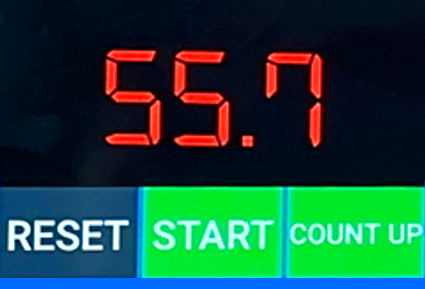
- ButtonRESET: Reset default time
- ButtonSTART/STOP: Start counting/Stop counting
- ButtonCOUNT UP/COUNT DOWN: Select count up or count down mode,This button is only active when the table is stopped counting.
Or click on the time display box and use the keyboard to quickly change the value

For the display of kicks, scores and errors of each team:
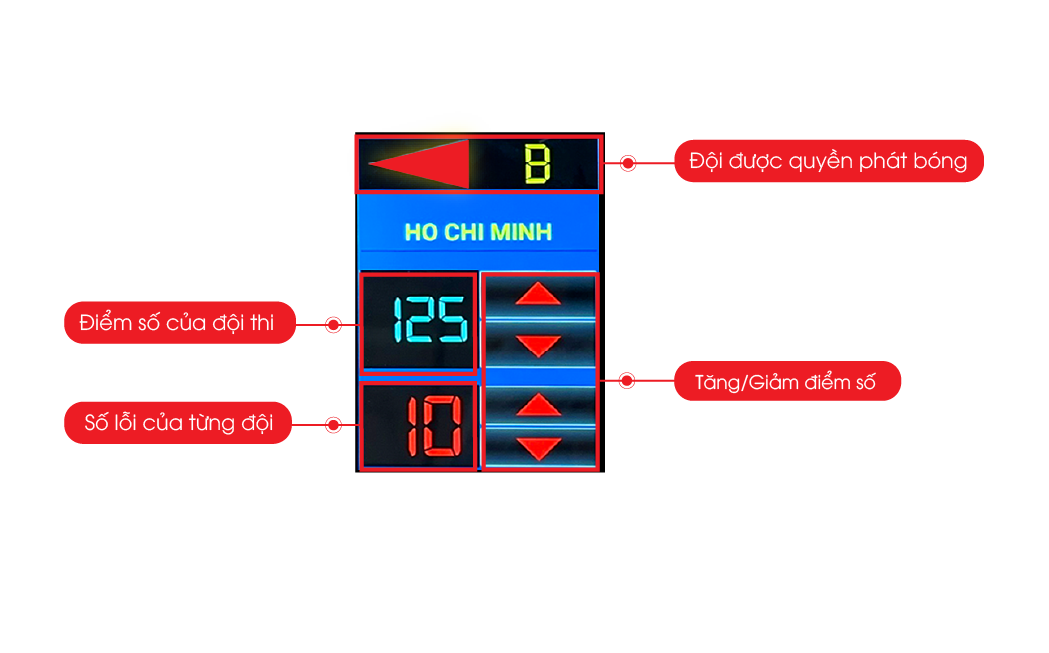
When the horizontal arrow lights up, it means that team has the right to kick the ball
>>>See more: How to use the airport bus LED board, change the display content with just one touch
Technical specifications of the boardMulti-discipline LED competition
| Display size | 960 x 480 mm |
| Material | Tole frame, black powder-coated |
| Control | Wireless via Tablet, PC, Mobile |
| Operating environment | Indoor |
| Installation | Wall-mounted or standing |
>>>See more:LED board solutions for competitions at Toan Trung


