


Instructions for using the marathon LED board
INSTRUCTIONS FOR USING THE MARATHON LED PANEL
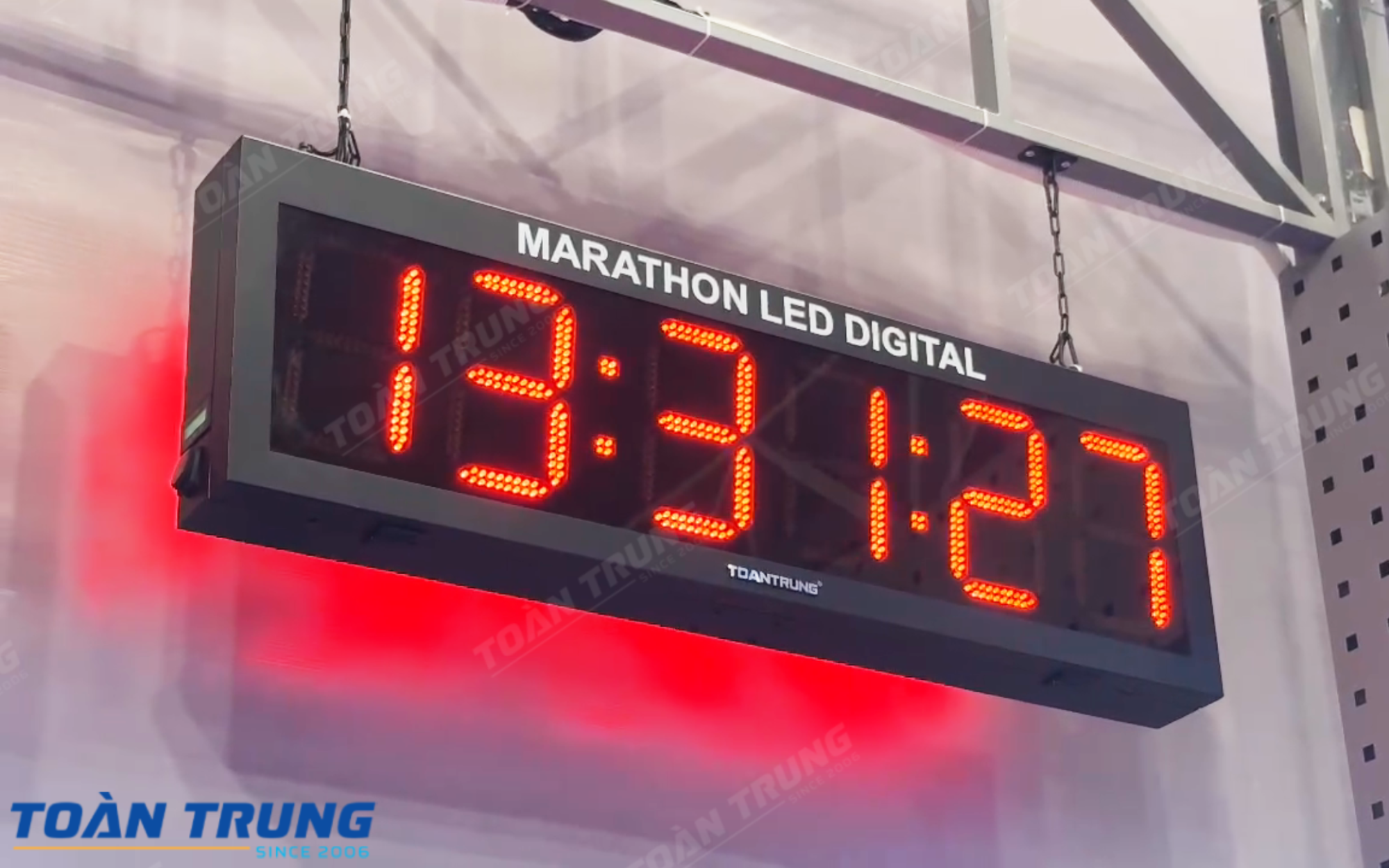
Marathon LED board is a solution for displaying accurate competition times and rankings in real time, helping the organizers manage the race effectively and professionally.With high brightness and clear images, the LED panel ensures good visibility in all conditions, contributing to enhancing the experience for athletes and spectators.
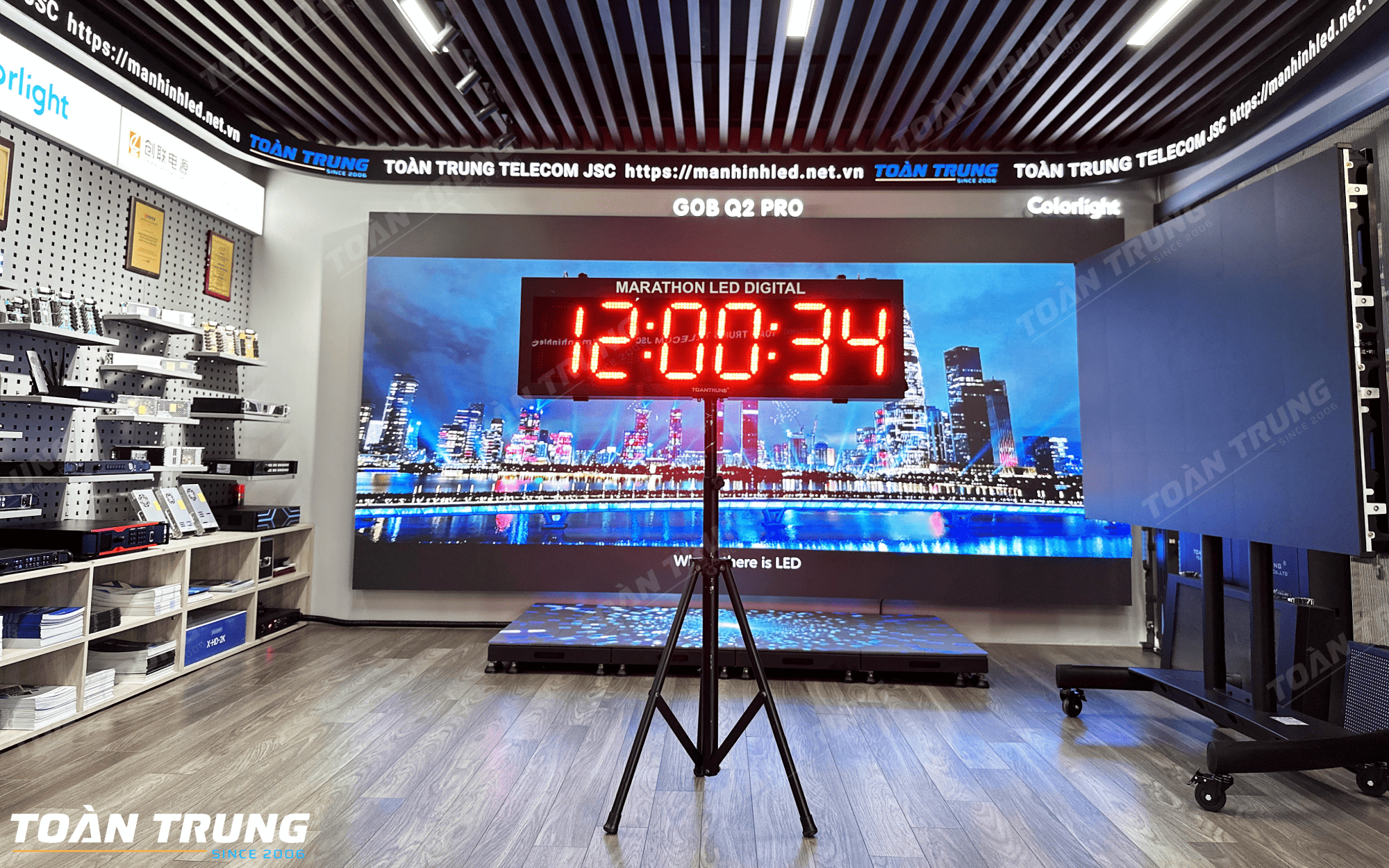
Steps to connect and use the Marathon LED panel
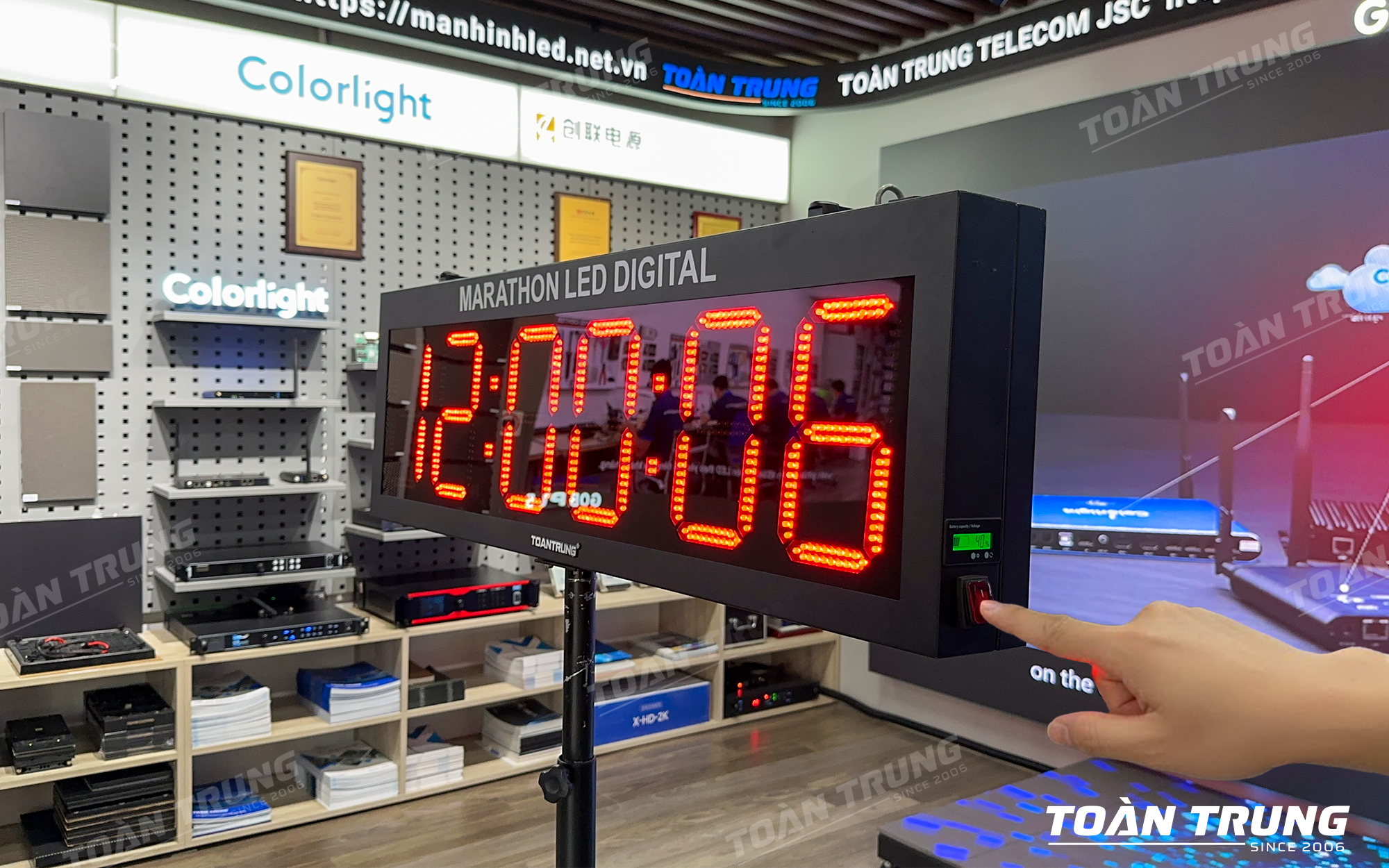
Step 1: Power on the LED panel
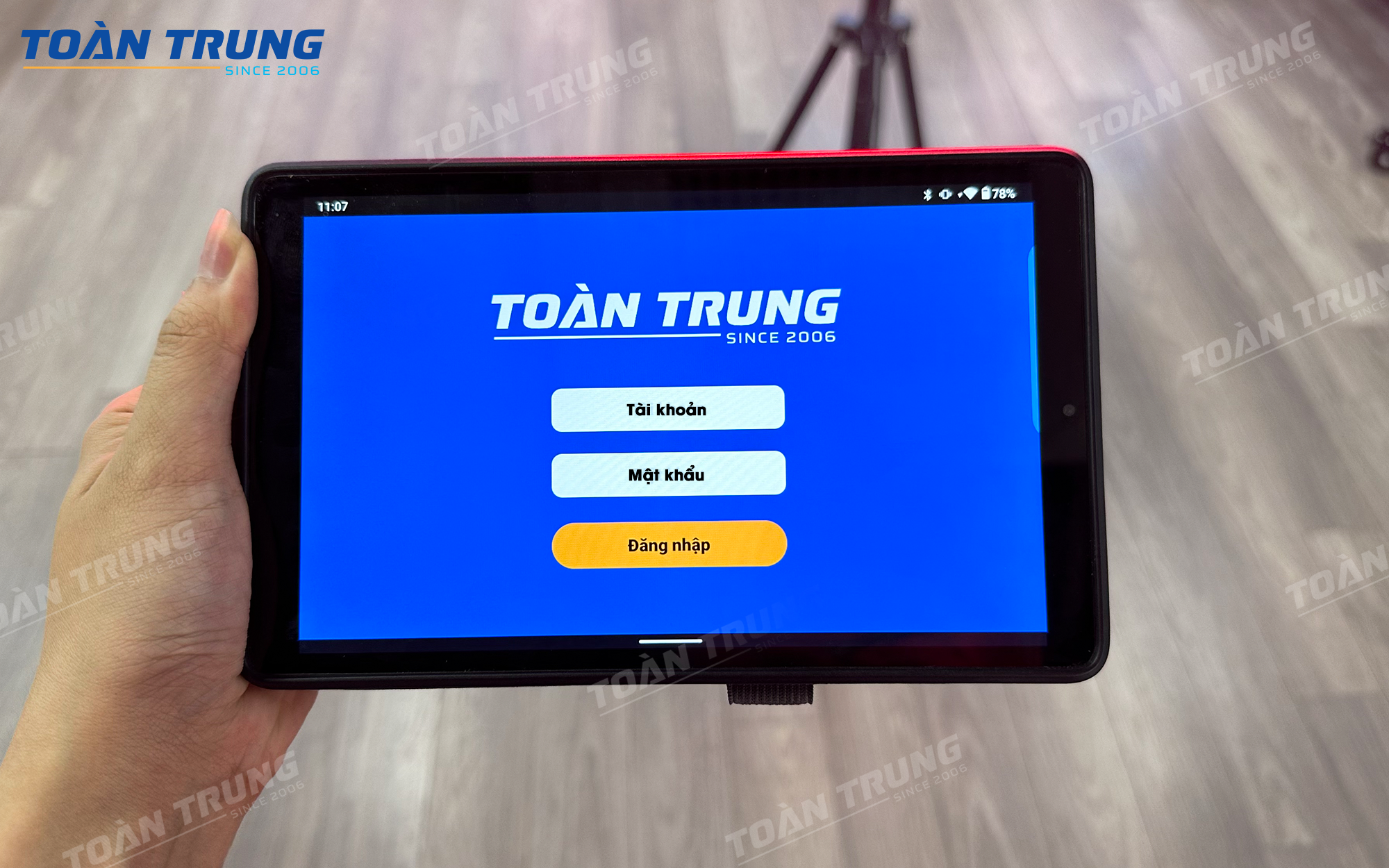
Step 2: Open the application on Tablet or phone called “MARATHON”, enter account and password.Click log in
Note: Each customer will be given a separate account to ensure security.
After successful connection, the control interface will display like this
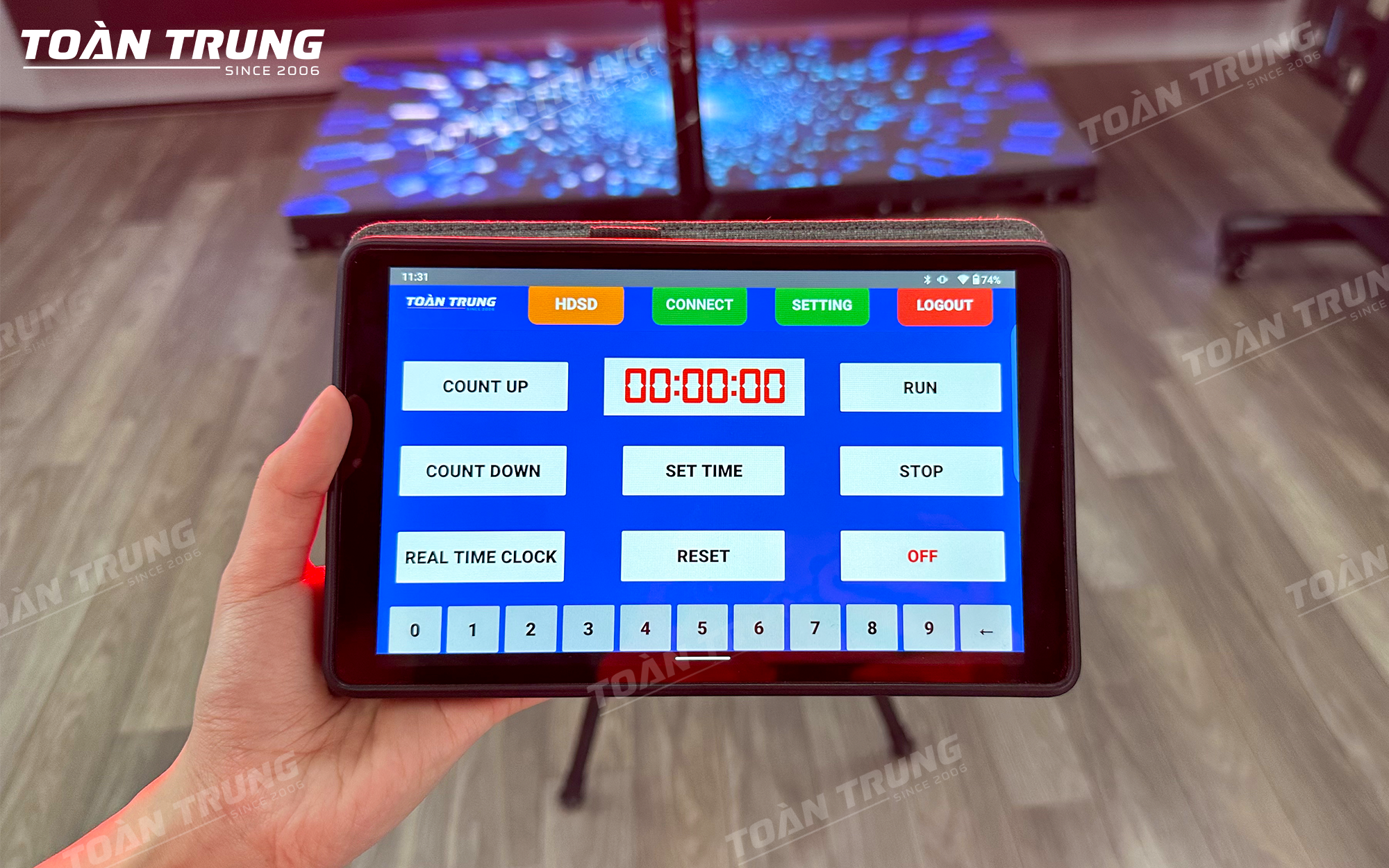
Details of features on the Marathon LED panel control software:
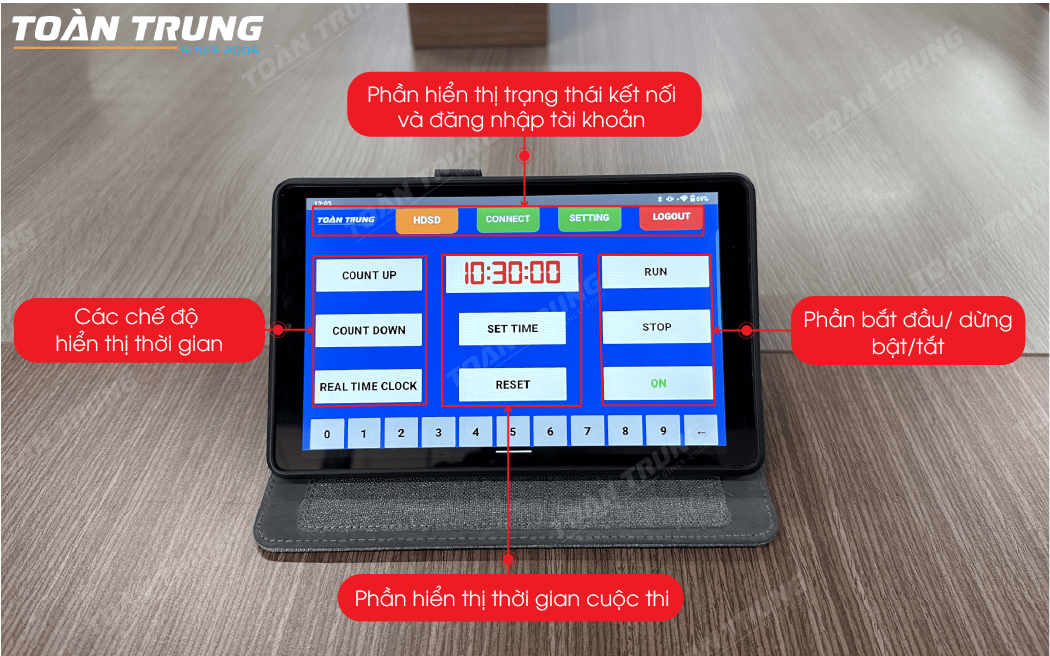
Step 3: Operate the Marathon LED panel control
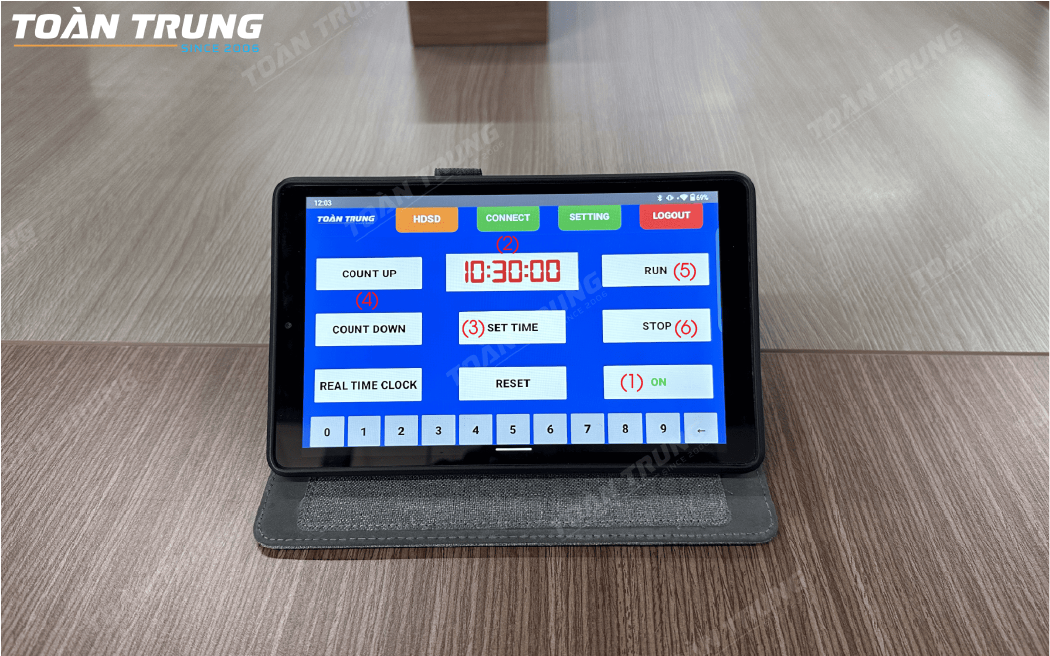
(1) After connecting the panel to the Tablet, press the “On” button to turn on the panel
(2) Click on the time display frame, then enter the time in the format HH:MM:SS to set the display timedisplayed on the LED panel.
(3) Click Set time to set the selected time
(4) Then select the counting mode (Count Up or Count Down)
(5) Click Run to start counting
(6) If you want to switch to another mode, you must Click Stop
>>> See more:Instructions for controlling the Basketball Shotclock LED board
Some technical specifications of the Marathon LED board
| MARATHON PANEL SPECIFICATIONS | |
| Frame dimensions (Height x Width x Thickness) | 320 x 1,020 x 100mm |
| Display | 2 sides |
| Power supply | 220Vac, Battery |
| Panel capacity | 39W |
| Features | – Stopwatch timer – Countdown time to zero – Displays the real time clock. |
| Control | Through software with security password on Smartphone, tablet |
| Material | – 1mm sheet, black powder coated, anti-glare mica surface. |
| Waterproof, dustproof | IP53 |
| Operating environment | Outdoor, indoor |
| Installation | Hanging, standing |
>>>Reference: How to control LED board for multi-sport competition


